AllStar public authentication setup
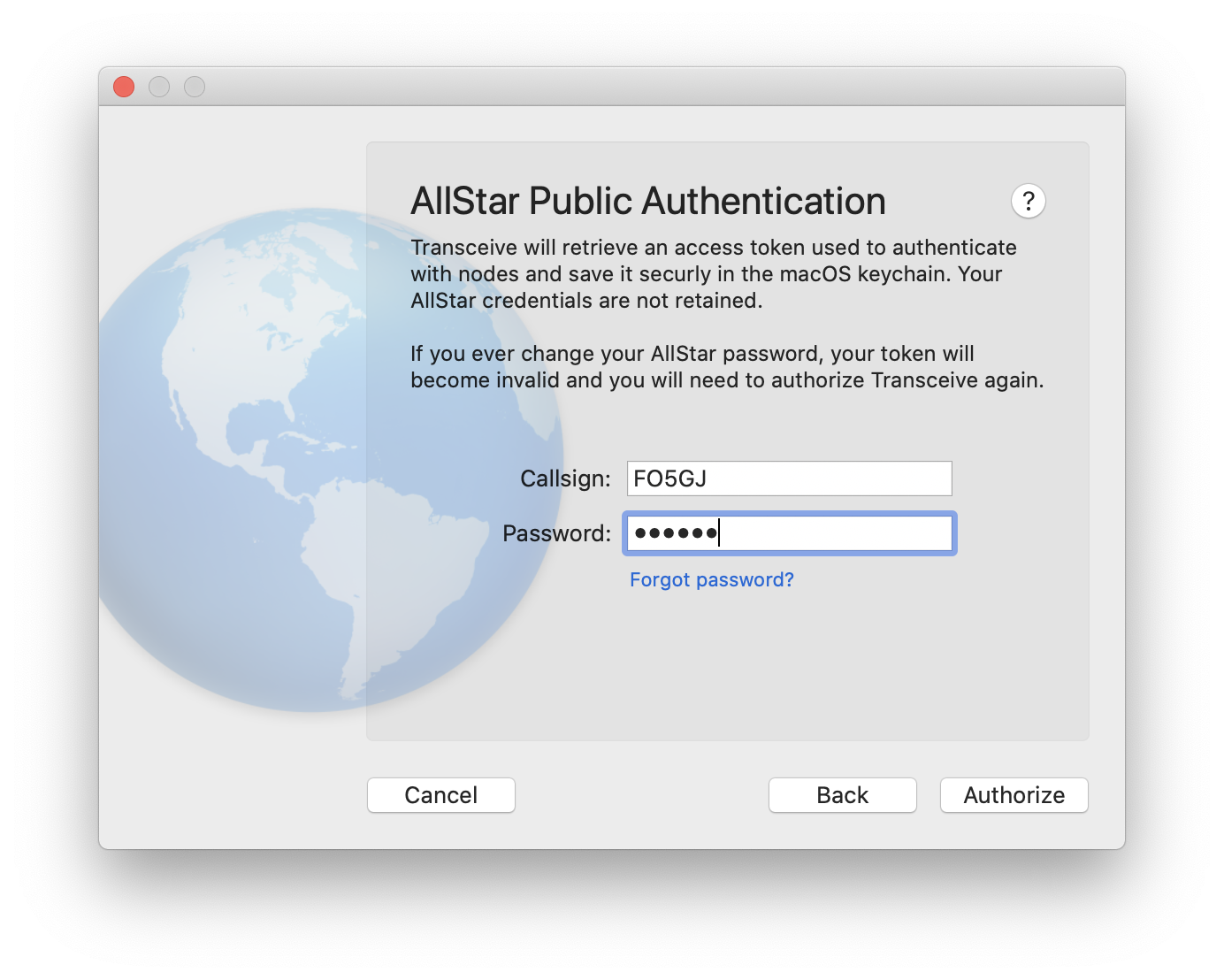
To connect via AllStar public authentication, enter your callsign and AllStar account password. Transceive retrieves an access token and stores it securely in the macOS Keychain.
If you change your AllStar password later, the stored token becomes invalid. Re-authorize from Connections → Authorize AllStar Authentication…
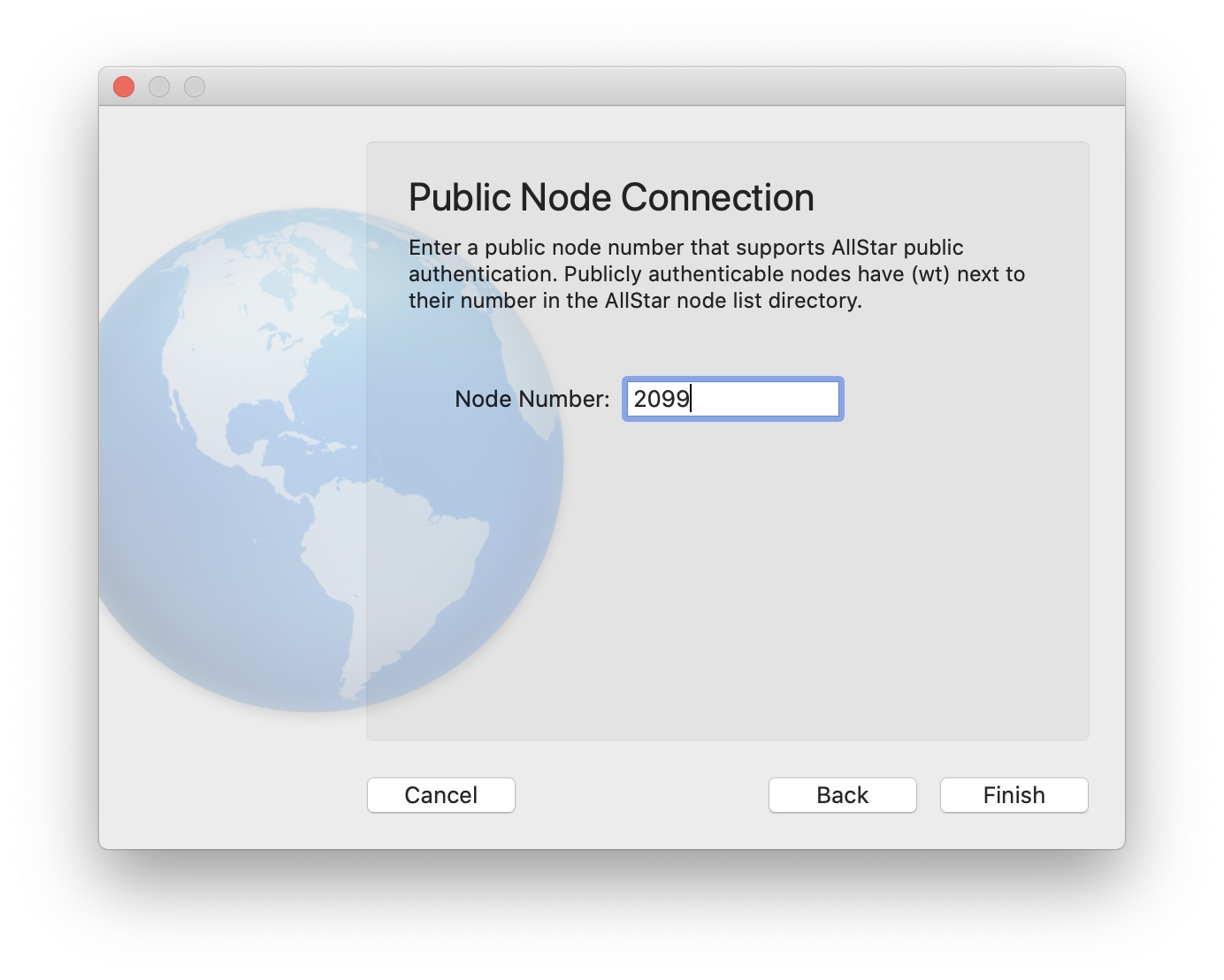
Then enter the number of the public node you want to connect to.
Nodes that support public authentication appear with a (wt) mark in the AllStar directory.