Turn off automatic unlinking
If you operate a hub node and need several direct links, turn off automatic unlinking in Preferences → Linking.
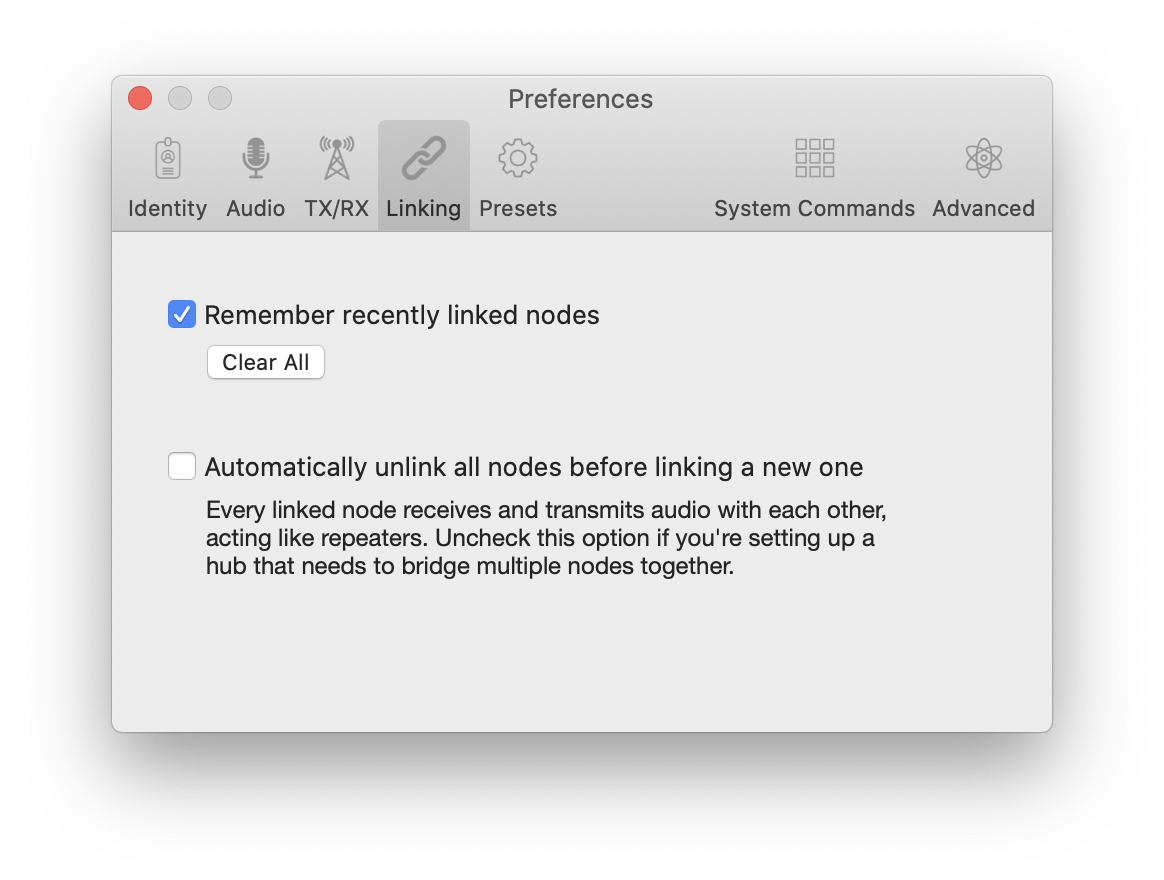
With automatic unlinking off, Transceive still warns when you link to more than one node.
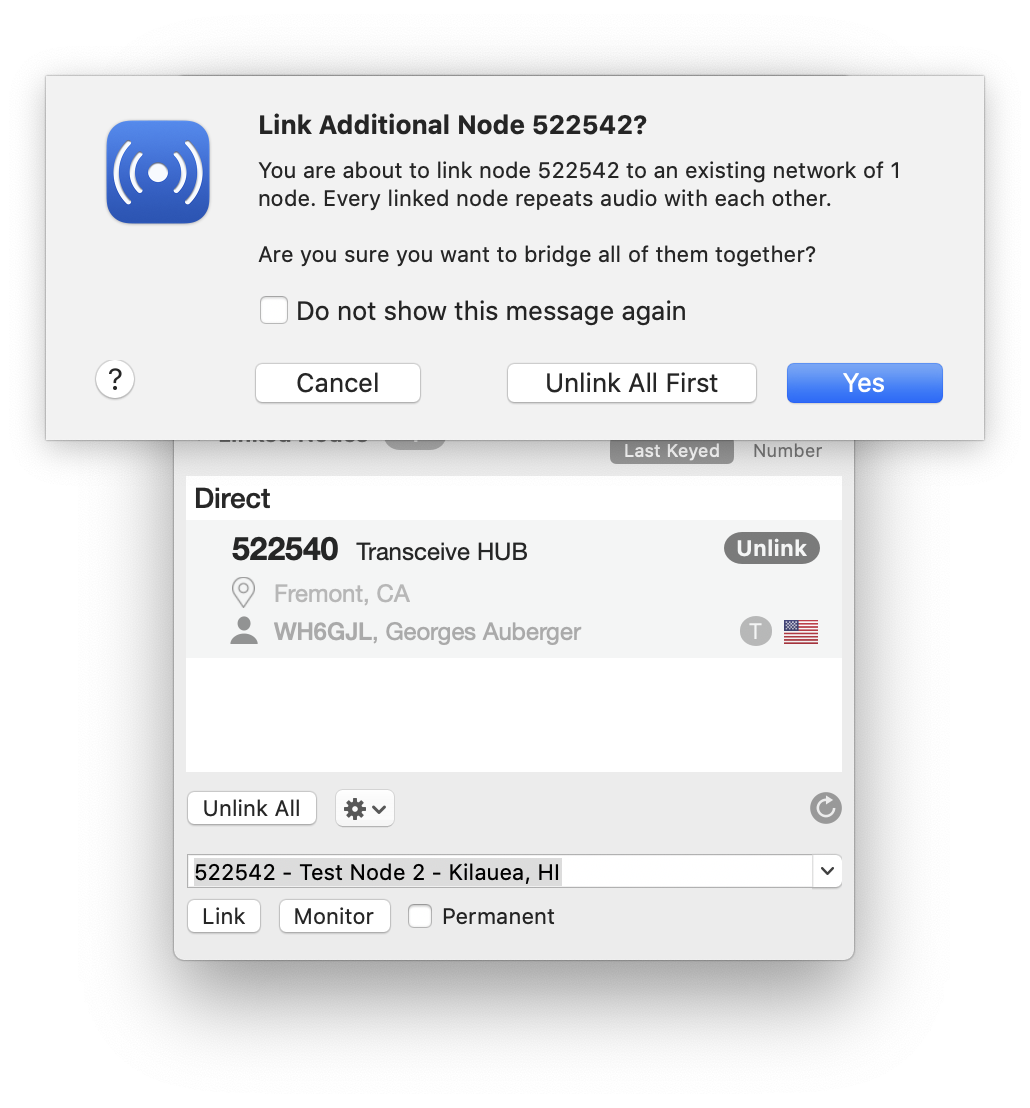
You can still choose Unlink All before linking. Selecting Do not show this message again hides the dialog and performs no automatic unlinking.