Terminal
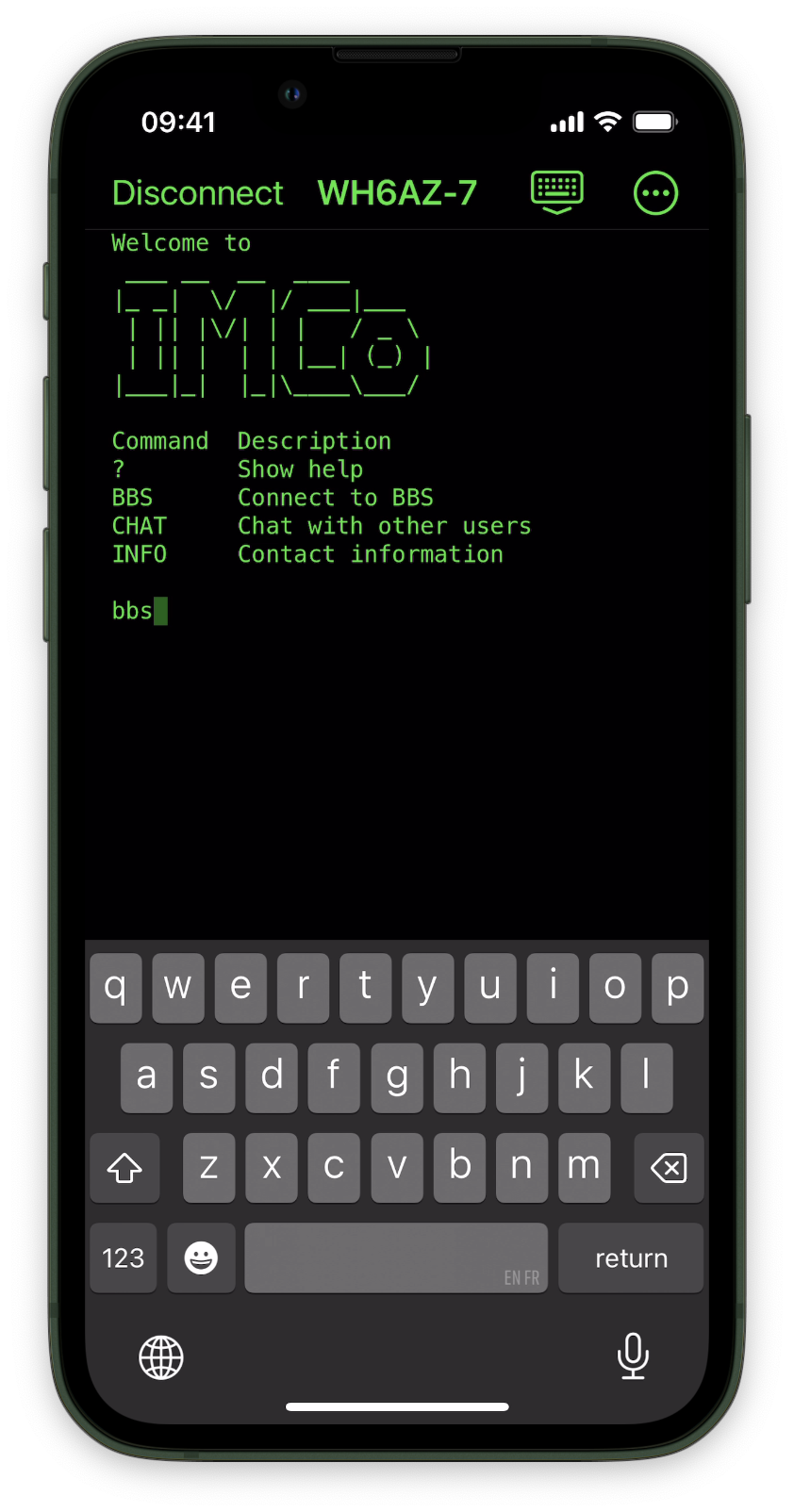
Full-screen command line
Talk to packet nodes and message boards with classic themes, adjustable fonts, and dictation-ready composition.
The terminal app for packet radio on iOS

4.9
Free trial. Test all features with your gear before you buy.
Requires iOS 18.6 or later. An A12 processor or newer is recommended. A valid amateur radio license is required.
Packet Commander brings a classic terminal experience to packet radio on your iPhone or iPad. Whether you're exploring BBS systems or connecting to packet networks, it provides the robust command-line interface you need for your next radio adventure. Command the airwaves, right from your pocket!
Full-screen command line
Talk to packet nodes and message boards with classic themes, adjustable fonts, and dictation-ready composition.
Decode traffic in real time
Filter, search, and export what your radio hears, presented in an easy-to-read format.
Gear that finds itself
Auto-discovery for Bluetooth and TCP modems, plus digipeater paths that remember where you’ve been.
Everything you need to explore packet networks from iPhone or iPad, without leaving the command line behind.
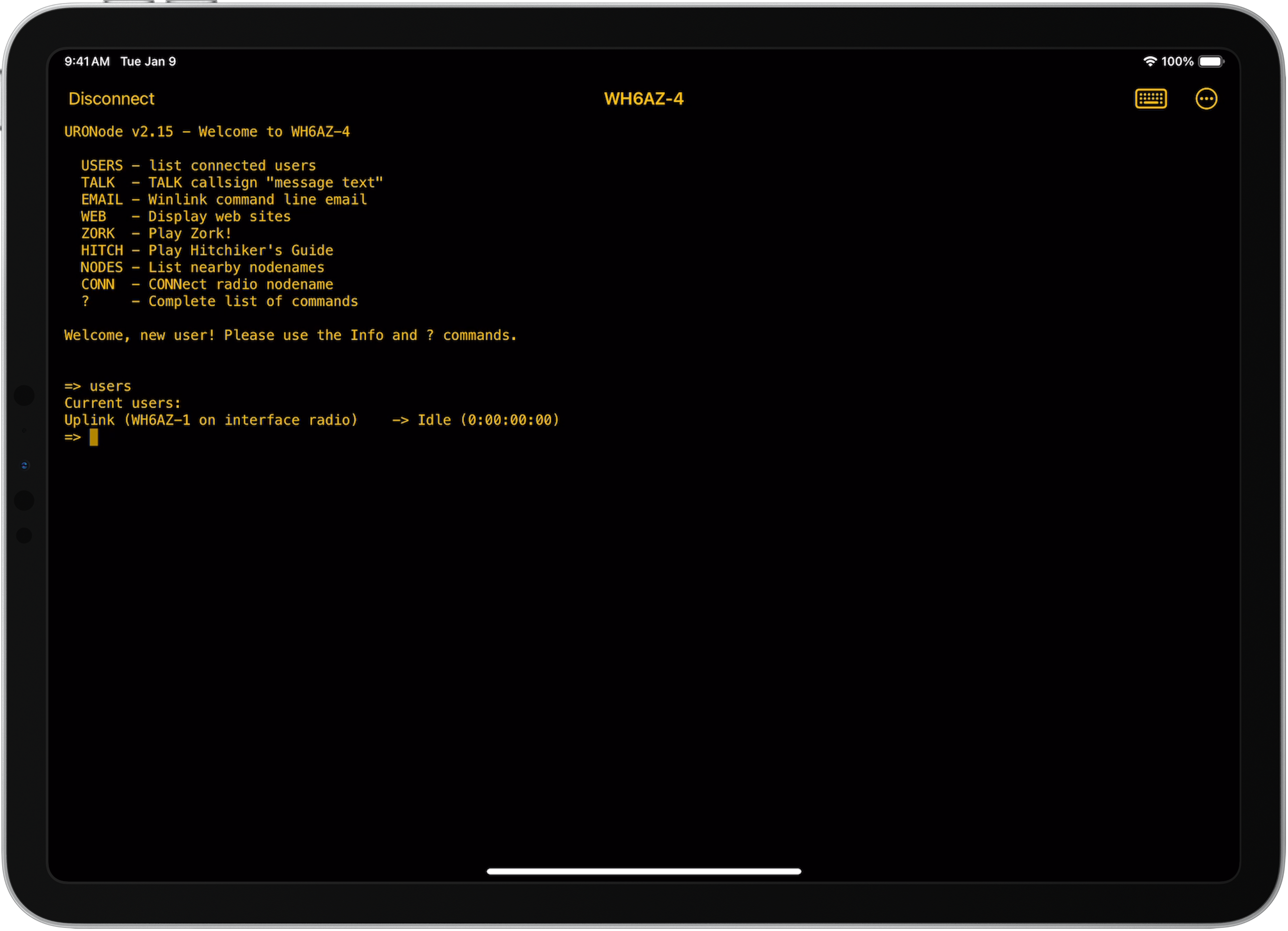
Interact with packet nodes and message boards over amateur radio in a dedicated terminal.
Color themes inspired by iconic computers, with adjustable fonts and layout for readability.
Move files over the air with YAPP protocol support and smart filename selection.
Compose messages hands-free when you’re operating in the field.
Routing recalls the last-used path at each location so you spend less time reconfiguring.
Nodes and digipeaters stay in sync across your iPhone and iPad.
Decode traffic in real time. Filter by address or content, then export the log for later analysis.
Finds Bluetooth radios and TCP modems, including Dire Wolf on DigiPi, with little setup.
Automatic frequency set and restore on supported radios when you connect.
High-performance 1200 baud AFSK software modem.
Compatible with popular packet node software including BPQ32, URONode, and others.
Got an idea for Packet Commander? Browse the roadmap and join the conversation.
Share an idea →Auto-sets and restores frequency on those radios
Using built-in software modem
1 Requires B.B. Link adapter
2 Requires firmware v1.4 or later and AutoPTT mode on.
This app works fantastic. I was easily able to connect to my bbs via BT to my Mobilinkd tnc from the car. It’s just what we iPhone users needed! Thank-you so much!
VA7LM
Best thing to happen to Packet radio since Winlink. Thank you, thank you, thank you! Makes the TNC4 priceless now.
JohnnyD-PH
Packet Commander functions flawlessly and precisely as advertised. I am using it in conjunction with a BB Link and a Kenwood TH-D75A, and I am thoroughly satisfied with its performance.
KM6CQ
I am so glad that you got this out finally it works great.
KK7ZZM
What a perfect manifestation of a much needed app that is easy to use. Just another example of Georges bringing ham radio to the 21st century.
Tarbecue
I have recently discovered the joy of using ax25 via bluetooth tnc and this is now my go to tool!
Wurst163
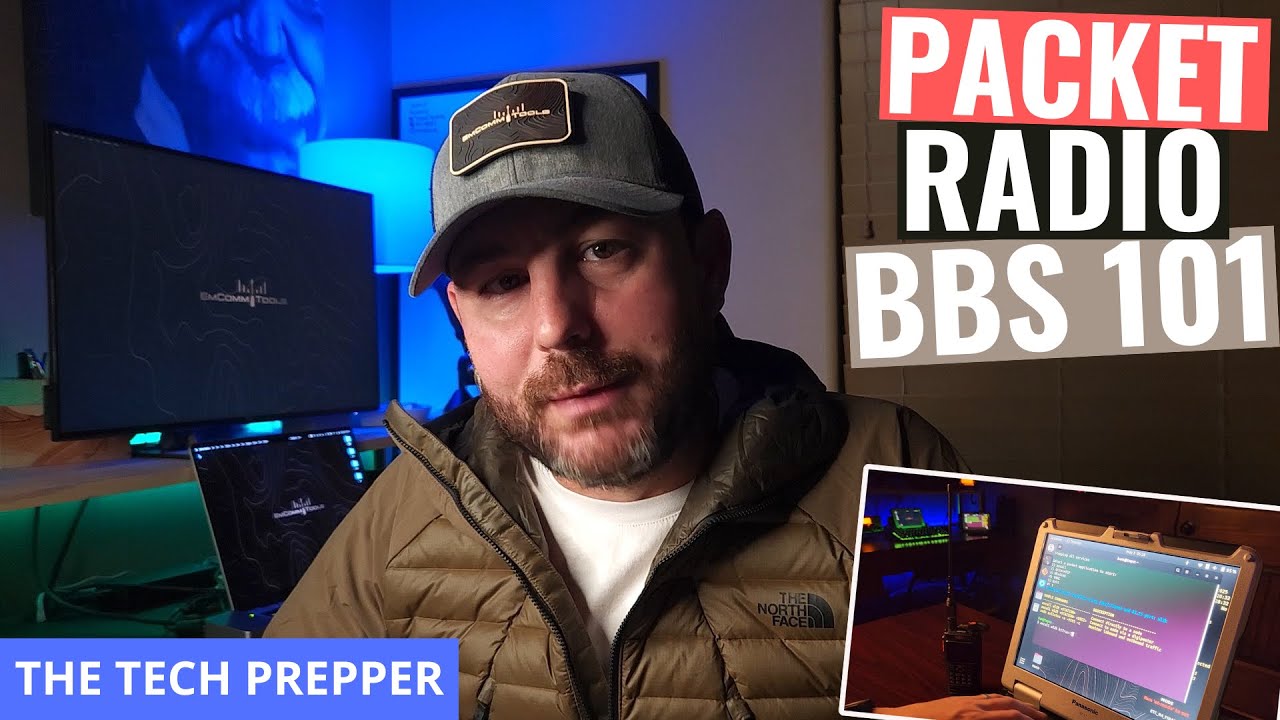
"It's great being able to connect to a packet node with nothing more than an iPhone and a radio with a Bluetooth modem like the BTECH UV Pro."

The Tech Prepper
KT1RUN
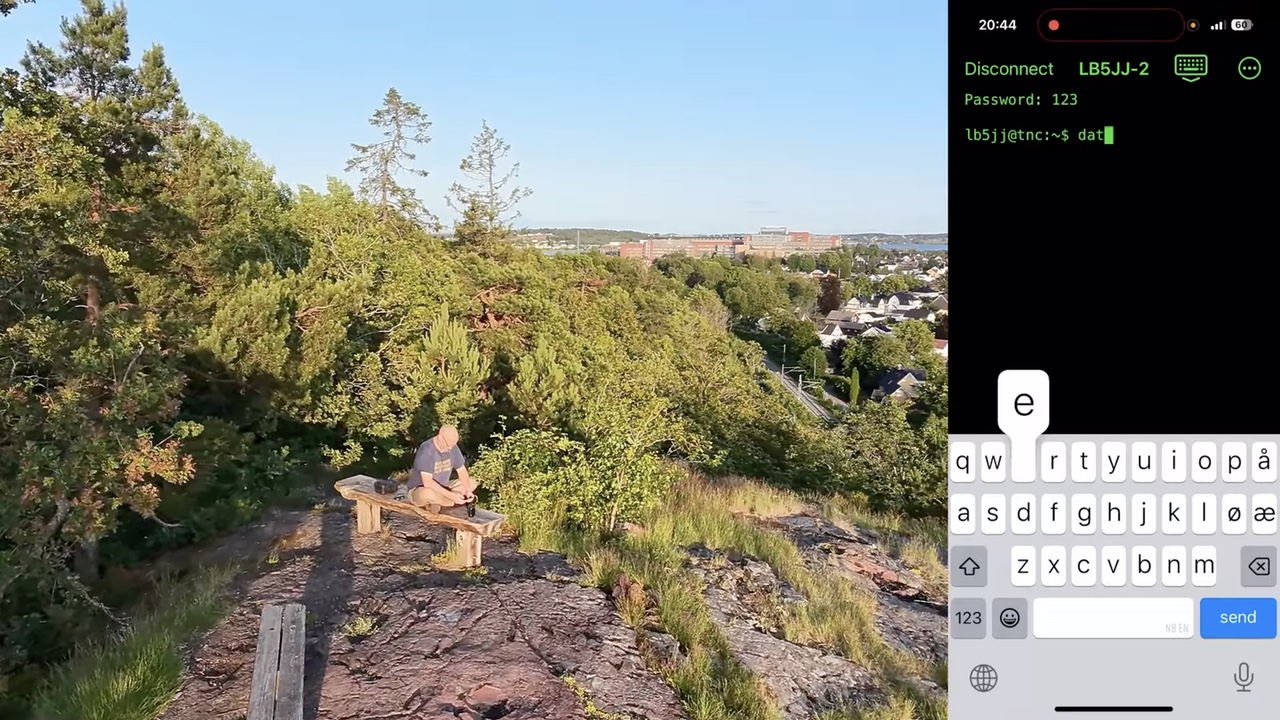
"I've been wanting to do packet radio almost as long as I can remember… everything was set to try out the exciting new iPhone app from Island Magic Co. And I have to say; this is just too cool."

Get Out
LB5JJ
4.9
Free trial. Test all features with your gear before you buy.
Requires iOS 18.6 or later. An A12 processor or newer is recommended. A valid amateur radio license is required.