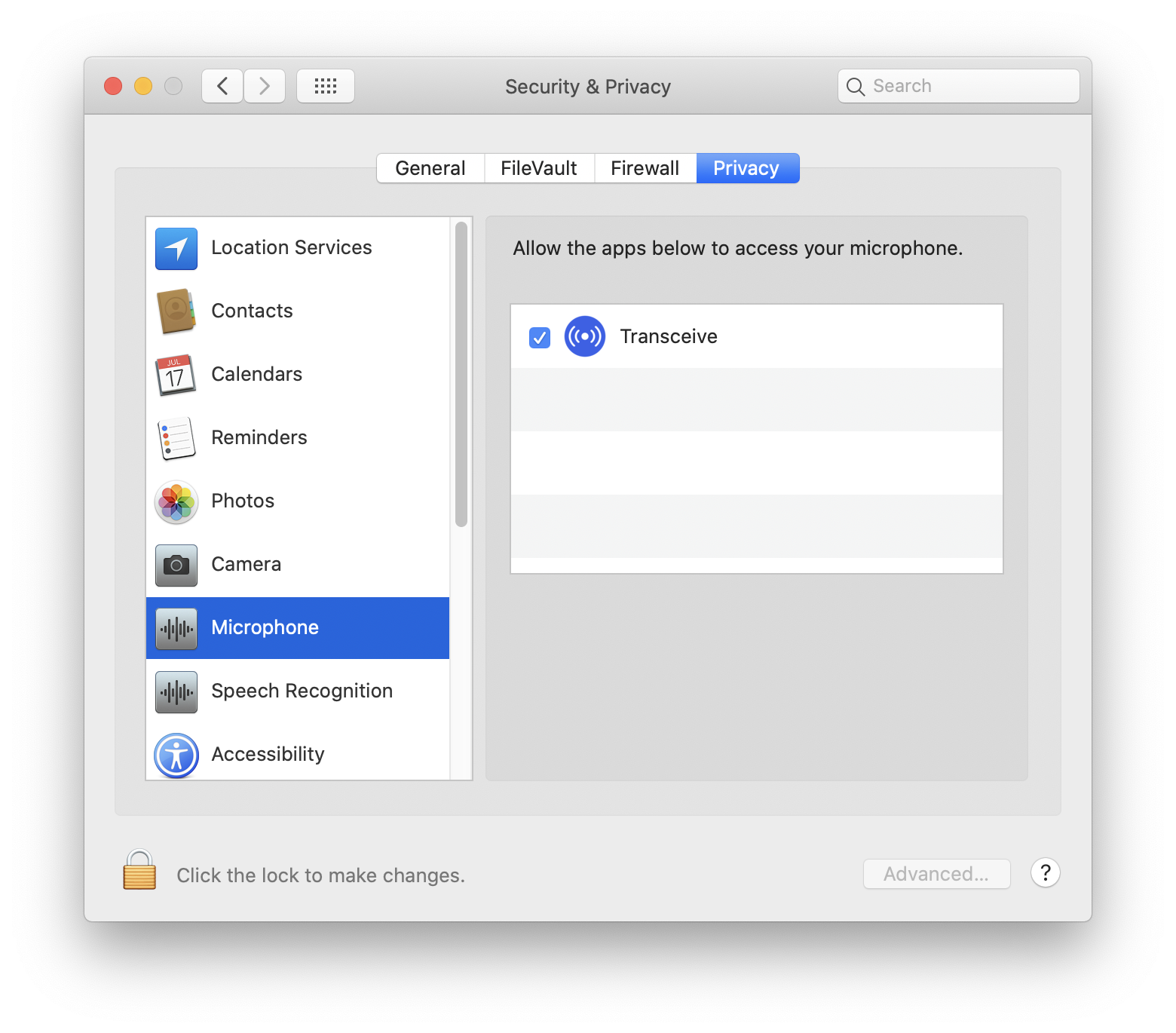
Allow microphone access
If you can transmit but other stations do not hear you, Transceive may not have microphone access.
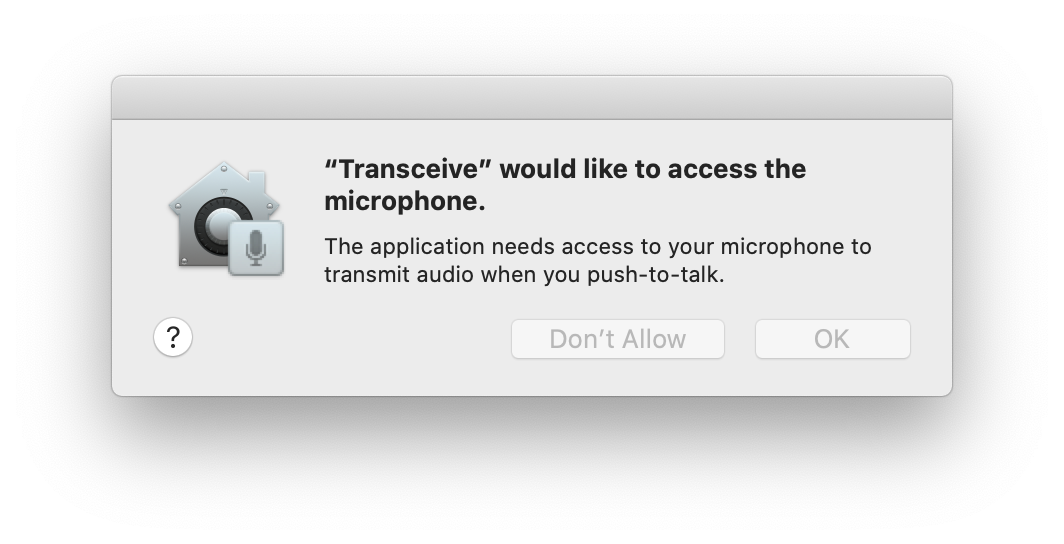
On first launch, macOS asks for permission to use your microphone.
Verify access in System Settings → Privacy & Security → Microphone. Transceive must be enabled.