Audio input selection
Select an external microphone as the audio source in Preferences. Transceive remembers your selection and uses it on the next launch.
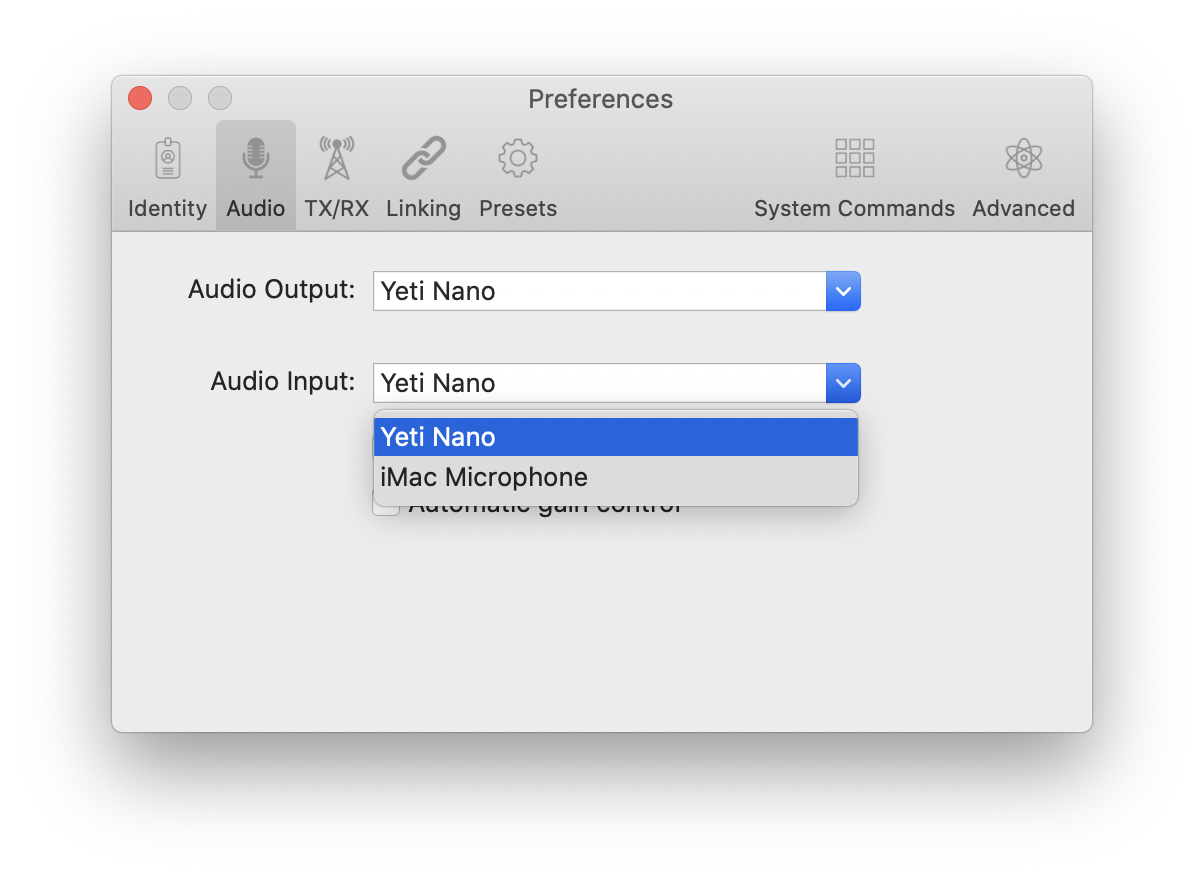
If your device does not appear, confirm it is connected and restart Transceive.
Transceive does not detect new audio devices after launch. Restart the app if you connect hardware while it is running.