Audio monitor
Open the Audio Monitor from View → Show Audio Monitor or press ⌘A.
The monitor shows audio levels and lets you adjust speaker volume and microphone gain.
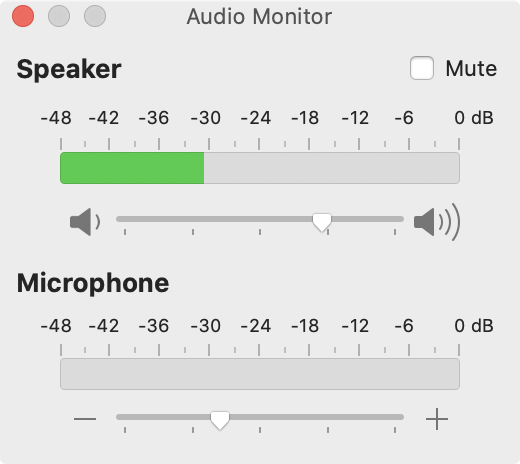
The bar graph turns red at saturation. Keep microphone gain below that level.
Open the Audio Monitor from View → Show Audio Monitor or press ⌘A.
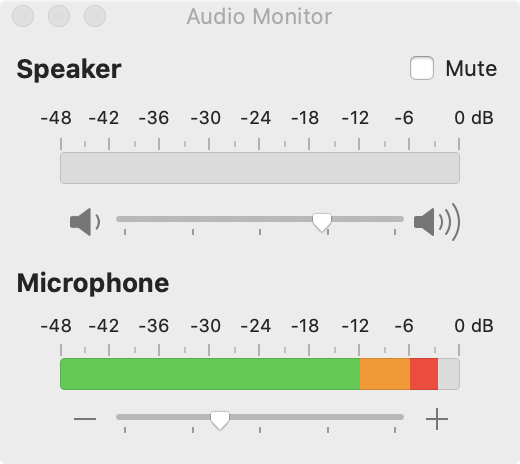
The monitor shows audio levels and lets you adjust speaker volume and microphone gain.
The bar graph turns red at saturation. Keep microphone gain below that level.