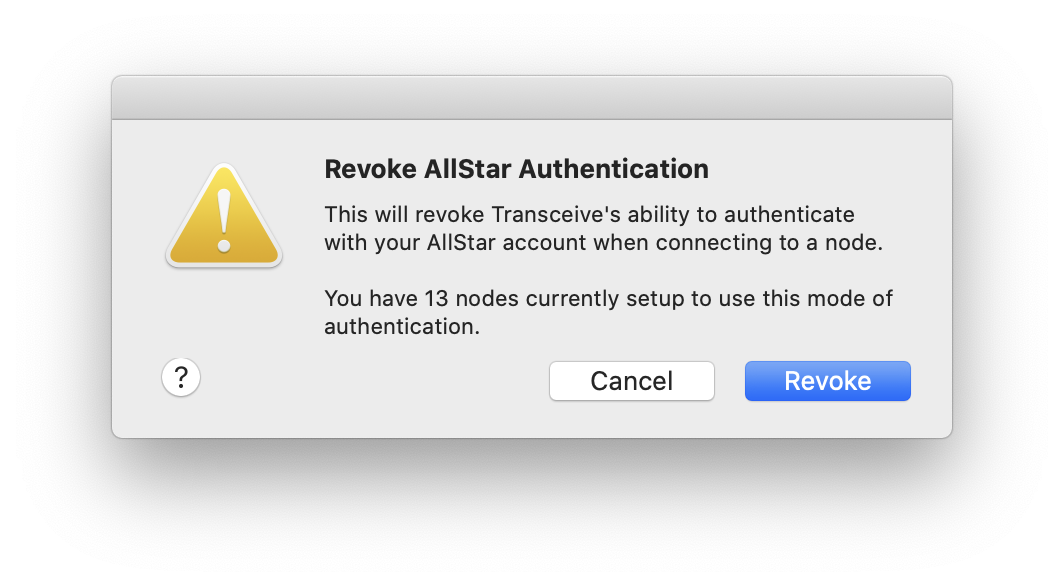
Revoke AllStar authentication
To stop Transceive from using your AllStar account for public authentication, revoke your authorization.
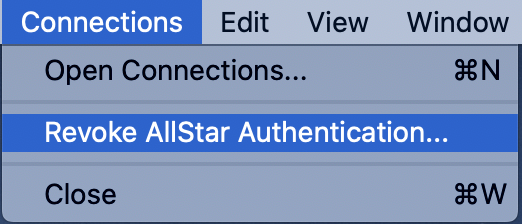
- Choose Connections → Revoke AllStar Authentication…
Transceive lists any node connections configured for public authentication. After you revoke, those connections fail and their status indicator turns amber.
Authorizing again restores access without changing node connection settings.