Connection configuration
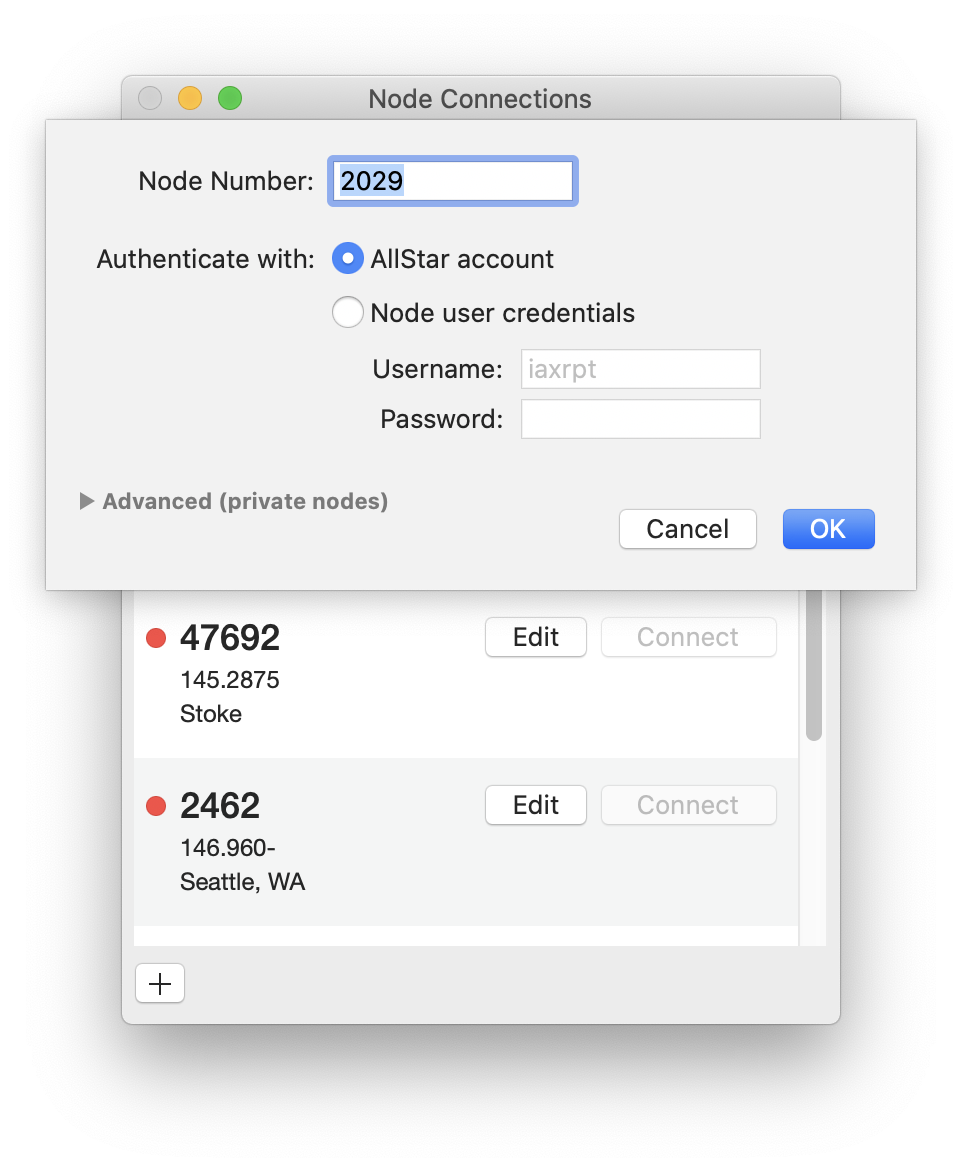
Transceive authenticates with nodes in two ways. If you own a node, use node credentials. To connect to public nodes directly, use an AllStar account and public authentication.
Once you authorize Transceive to use your AllStar account, that option appears in the node connection edit dialog.
If you use your own node credentials, select that option and enter the node username and password. Passwords are stored securely in the macOS Keychain.
For a registered node, enter the node number. For a private node not listed in the AllStar directory, specify a hostname and port in the advanced section.