RadioMail Classic: Experimental
Remote Logging
Turning on remote server logging can help in troubleshooting an issue. To turn on remote logging:
- Quit RadioMail (make sure to fully quit the app, not just send to background)
- Open iPhone Settings -> RadioMail
- Turn on Log to Remote Server
- Open RadioMail
Then reproduce the issue and notify us.
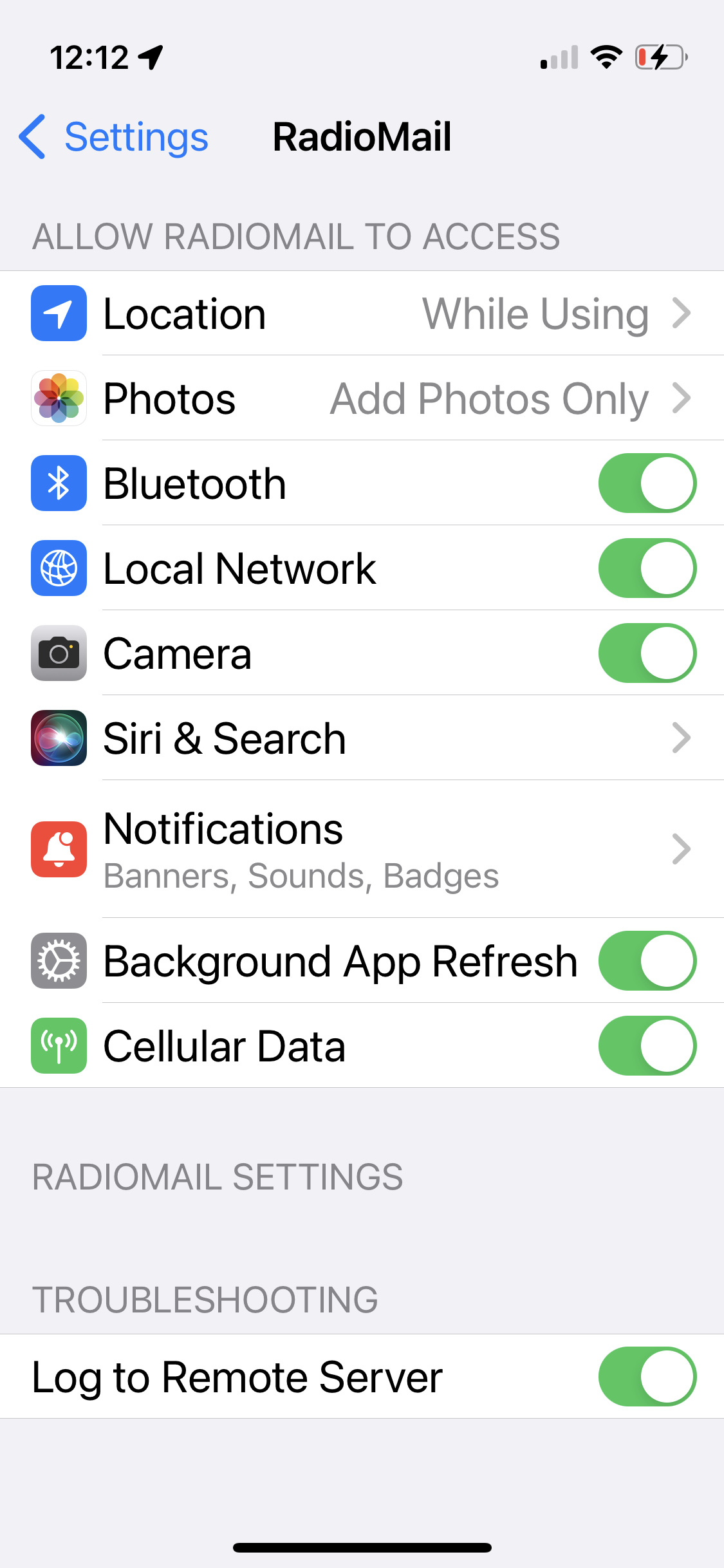
Remember to turn off remote logging once you're done to reduce data traffic to the logging server.